
Kept AI
New: MCP server

See your brand through AI's eyes

Measure, understand, and grow the way AI-generated answers present your brand measured by Visibility, Position, and Sentiment

7-day free trial · card required · cancel anytime

Northwind Labs · example workspaceExample data

Explore a sample workspace

One question. Three ways to understand the answer.

Visibility64%Example data
Change over the sample period+8.2 ppExample data
Sampled answers300Example data
Sample period · six weeksExample data

A mention is a starting point. Review the sampled answers behind it.

Position2.4Example data
Change over the sample period−1.2Example data
Sampled answers300Example data
Sample period · six weeksExample data

Lower is better: compare the position your brand takes in the answer.

Sentiment82%Example data
Change over the sample period+6.4 ppExample data
Sampled answers300Example data
Sample period · six weeksExample data

Read the language around each mention, then inspect its context.

Models

ChatGPT Gemini Perplexity Claude Google AI Mode Google AI Overviews Copilot Grok

Know how AI describes you

Every core AI search metric, tracked for you from day one.

Visibility

The percentage of AI conversations that name your brand, so you know how often buyers see you in answers.

Learn more →
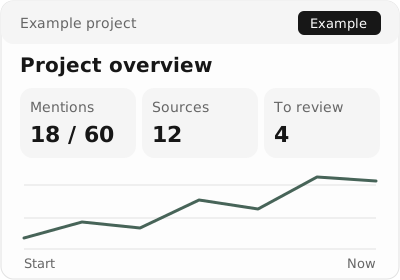
Example interface: overview of mentions, sources and open tasks
60 answers3 models7 days

Position

Where your brand lands in AI answers when it appears, plus the openings to move higher in the list.

Learn more →
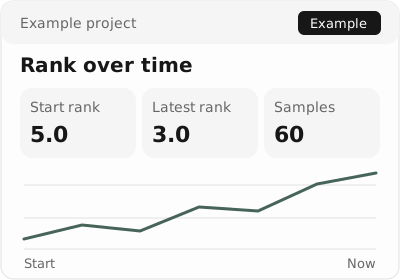
Example interface: sample average rank improving from fifth to third
60 answers3 models7 days

Sentiment

The way AI talks about your brand: which points work in your favor and which need attention.

Learn more →
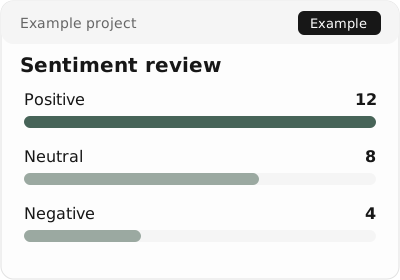
Example interface: positive, neutral and negative sample descriptions
24 descriptionsRead contextReview first

Turn what AI says about you into pipeline

Six steps take you from the questions buyers ask to the changes worth making next.

  1. 01

    Set up Prompts

    Every AI search strategy starts with prompts. Find the questions buyers really ask and group them into a library you can track.
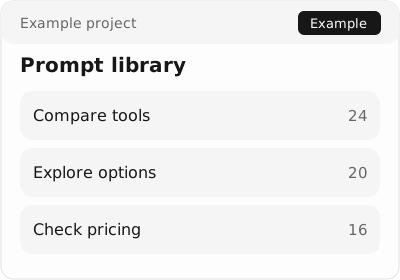
    Example interface: three buyer questions grouped by research intent
    60 answers3 models7 days
  2. 02

    Add Brands

    Compare your standing with the competitors that count in your market.
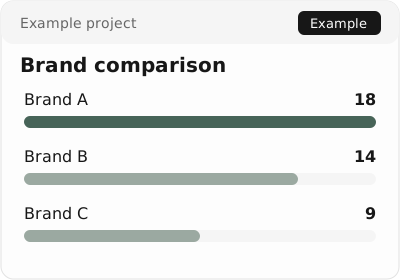
    Example interface: sample mention counts for three neutral brands
    60 answers3 models7 days
  3. 03

    Choose AI Models

    Follow your rank on the AI engines that send the most traffic and exposure.
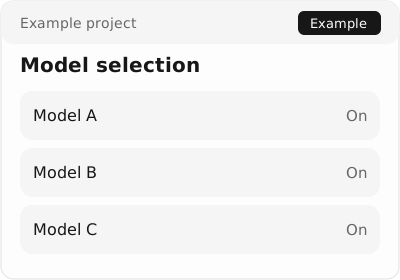
    Example interface: three neutral model slots selected for comparison
    3 modelsSame promptsSame period
  4. 04

    Use Data to Pick Winners

    Compare visibility trends and answer context to choose the next question to investigate.
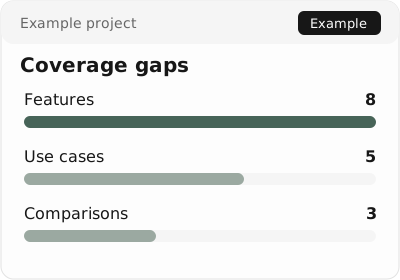
    Example interface: unanswered buyer questions grouped by topic
    16 gaps3 topicsPrioritize
  5. 05

    Find Key Sources

    See which cited pages shape your visibility and sharpen your GEO plan.
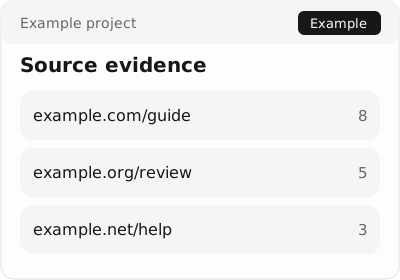
    Example interface: cited paths and their sample answer counts
    3 sourcesRead evidenceReview first
  6. 06

    Act on Insights

    Act on prioritized recommendations to win the openings that move your rank most.
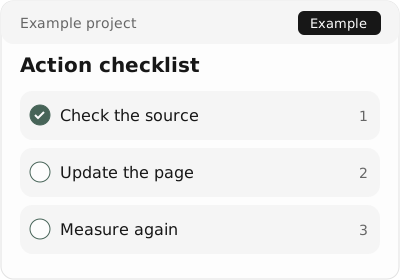
    Example interface: three review tasks derived from sampled evidence
    3 tasksKeep evidenceHuman review

Turn a question into a repeatable briefing

Connect your workspace to an MCP client, inspect the underlying answers, and review the brief before sharing it.

Learn more →
Read-only MCPapp.keptai.com/mcp
Prompt library
Sampled answers
Sources
Brand comparison
Reviewed brief

Create powerful reports

Package AI search data into clear reports you can share with your team or clients.
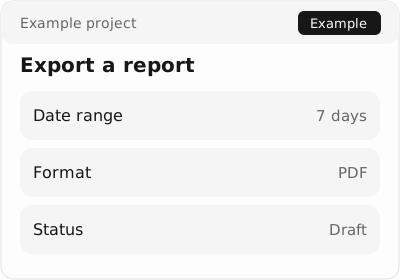
Example interface: report scope, format and review status before export

Exports

CSV exportSampled answers as a spreadsheet.
JSON exportThe same sample as structured JSON.

Report tools

Client updateA shareable note from your exports.
Source reviewCheck cited domains before publishing.

API

Read-only APIQuery the projects your token can see.
MCPThe same tools, in any MCP client.

Start with the questions your buyers ask

Example prompts by industry. Open a card to try one.

  • B2B software
  • Retail
  • Professional services
  • Travel

See what AI tells buyers about you

Example interface: overview of mentions, sources and open tasks

FAQs

How do I start using Kept AI?

Create an account, add your brand and domain, then choose prompts and models. The dashboard shows sampled visibility by engine.

Can I break visibility down by engine, market, or persona?

You can filter by model and by prompt tags (persona or funnel stage). Prompts can be written in any language. The sampling region is currently fixed and is not grouped by country. Kept AI does not offer multi-country sampling.

How frequently does the data update?

Self-serve plans sample daily. Agency Scale and Enterprise also support weekly sampling.

How do brand visibility and source visibility differ?

Brand visibility is when an AI answer names your brand. Source visibility is when your site is used or cited, even if the brand name is absent.

How is source citation data collected?

Kept AI logs when your content shapes an answer and when your URL appears as a source. Filter source usage by domain or URL.

Can I send Kept AI data to my BI or reporting stack?

Export CSV or JSON, use the read-only analytics API, or connect an MCP client to https://app.keptai.com/mcp. A managed BI dashboard connector is not available.