Three example workflows on read-only tools. Each one starts from a single prompt.
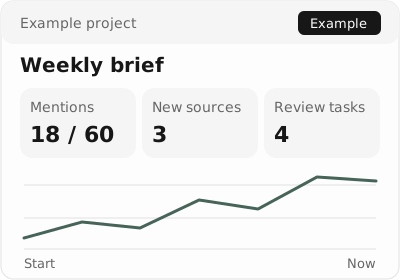
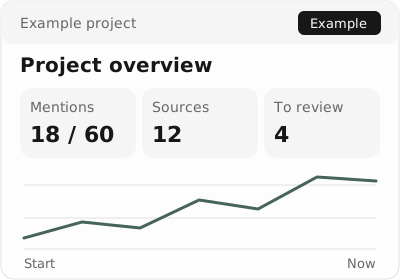
60 answers3 models7 days
4 read-only tools
Your Monday visibility digest
A week of sampled answers, condensed into one briefing.
See the example
Example data · not customer results
Try asking
For example.com, summarize the last 7 days. Separate observed mentions from recommendations, and link three answers worth reviewing.
Example assistant summary
Example: 18 of 60 sampled answers mentioned the brand. Two comparison prompts deserve a closer look. Review the underlying answers before choosing next week’s edits.
Read-only tools used
list_projects
get_overview
list_prompts
get_prompt_runs
get_overview({"host":"example.com","days":7})
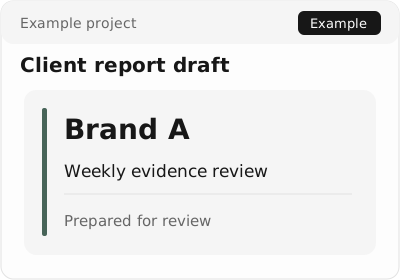
Report coverOwn brandingDraft only
3 read-only tools
A client-ready report draft
A 30-day draft with sources, ready for your own branding.
See the example
Example data · not customer results
Try asking
Draft a report for example.com over 30 days: key observations, cited sources, and three open actions. Leave room for our agency’s branding.
Example assistant summary
Example: one-page draft with a 30-day overview, five source links, and three saved actions. Add your branding and review it before exporting or sharing; MCP does not publish a white-label report.
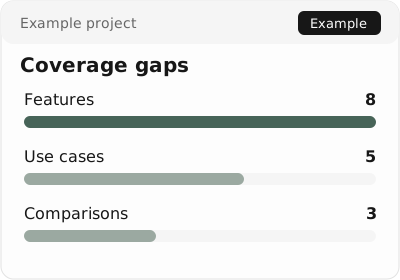
Compare cited URLs with your exports to spot pages slipping.
See the example
Example data · not customer results
Try asking
Read current cited URLs for example.com and compare them with the weekly export I provide. Flag decreases and inspect citation gaps; state when the comparison is incomplete.
Example assistant summary
Example: /guides/setup fell from 12 to 7 citations in the supplied snapshots. Check the page and competitor sources. The comparison uses your saved exports, not an unavailable historical-window tool.